
Image Compression with WebP and AVIF: A Practical Guide
How to convert your JPEG and PNG files to modern formats without losing quality. Save 30-50% on image file sizes with proven techniques.
Remove unnecessary characters from your code without breaking functionality. Covers automated tools and manual techniques that actually save time.


Every kilobyte counts. We’re not just talking about bandwidth costs — we’re talking about real people waiting for pages to load. In Hong Kong, where fast networks are common, users have high expectations. They’ll abandon your site in seconds if it feels slow.
Minifying your code isn’t glamorous. You won’t see it in your portfolio. But here’s the thing: it’s one of the quickest wins you can implement. A 30% reduction in CSS file size? That’s achievable today. And it compounds with other optimizations.
The basic principle is simple. Minification removes every unnecessary character from your code — whitespace, comments, redundant syntax — without changing how the browser interprets it. What used to take 50KB might become 35KB. That difference matters.
You’ve got options here. The most common setup involves build tools that do the heavy lifting automatically. Webpack, Gulp, Parcel — they’ll minify your assets as part of your build process. You don’t think about it. You just run the build command and everything gets compressed.
For CSS, tools like cssnano or clean-css work brilliantly. They’ll remove unused declarations, merge rules, simplify colors. A typical minifier cuts CSS files by 30-50%. For JavaScript, Terser is the industry standard. It’ll mangle variable names, remove dead code, and compress everything down.
Pro tip: If you’re using a modern framework (React, Vue, Next.js), minification’s already built in. You don’t need to configure anything. Just deploy.
This article provides educational information about web performance optimization techniques. Minification is one piece of a larger performance strategy. Results vary based on your specific codebase, tooling, and infrastructure. Always test thoroughly in your own environment before deploying changes to production.
Sometimes you want to see what’s happening. Maybe you’ve got legacy code that doesn’t fit standard build pipelines. Or you’re debugging why something isn’t minifying correctly.
Here’s the step-by-step approach most developers use:
But honestly? Don’t do this manually. Use a tool. Tools are faster, more reliable, and they won’t miss edge cases that break your code.
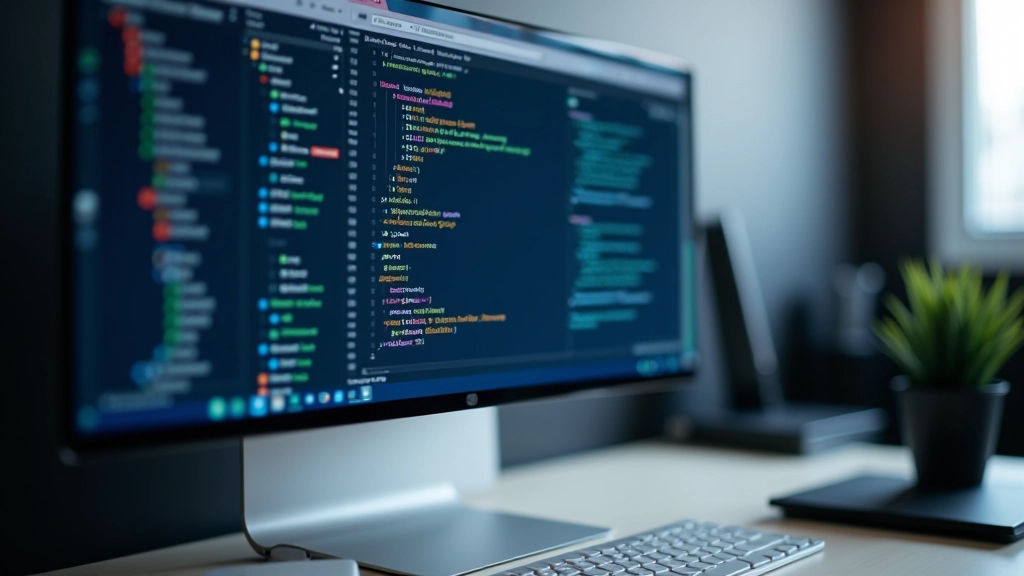
How do you know if minification actually helped? Open your browser’s DevTools. Go to the Network tab. Load your page. You’ll see the exact size of every file being downloaded.
Before minification, your main CSS file might be 45KB. After? 28KB. That’s a 38% reduction. For JavaScript, you might see similar gains. These aren’t theoretical numbers — they’re real bytes that won’t be transmitted.
For Hong Kong users, this translates to faster page loads. Even on fast networks, smaller files mean less time spent downloading. Combined with other techniques like image compression and lazy loading, you’re building a genuinely fast experience.
Minification isn’t complicated. It’s also not optional if you care about performance. Most modern development workflows include minification automatically. If yours doesn’t, add it today. It’s a one-time setup that pays dividends.
Start with a build tool. Webpack, Parcel, or even a simple Node script. Configure it once. Forget about it. Your code will be minified on every build. You’re not losing anything — your code still works exactly the same. You’re just removing the fat.
Combine minification with image optimization, lazy loading, and a good CDN. That’s when you’ll really see performance improvements. But minification is the foundation. It’s the easiest win that takes five minutes to set up and provides benefits forever.
Explore more techniques for optimizing page speed
How to convert your JPEG and PNG files to modern formats without losing quality. Save 30-50% on image file sizes with proven techniques.

Why CDN nodes in Asia-Pacific matter for HK websites. We cover the setup process, cost considerations, and real-world performance improvements.

What Largest Contentful Paint, First Input Delay, and Cumulative Layout Shift actually mean. Learn to measure what matters for user experience.